Inspect the product
Use high-resolution views, detail crops and visual-source disclosure.
 METRO POWERProduct portfolioDiscuss a requirement ↗
Product discovery
Search the documented Metro Power portfolio, compare known facts, understand evidence status and open a controlled inquiry for the exact project configuration.
Every product journey separates visible identification from application, configuration, evidence and final compliance.
Use high-resolution views, detail crops and visual-source disclosure.
Understand where the device sits and which interfaces surround it.
Shortlist within a family without turning a catalog into a compliance claim.
Confirm drawings, terminals, ratings, standards and exact project configuration.
These priority meter references use the strongest current source available. The original product geometry and visible markings remain preserved; interfaces, dimensions and configuration still require controlled documents.
Use application, model and documented facts to narrow the field. The final offer still follows the controlling requirement, configuration and evidence gate.
 Profile-backedFidelity-safe studio treatmentView product ↗
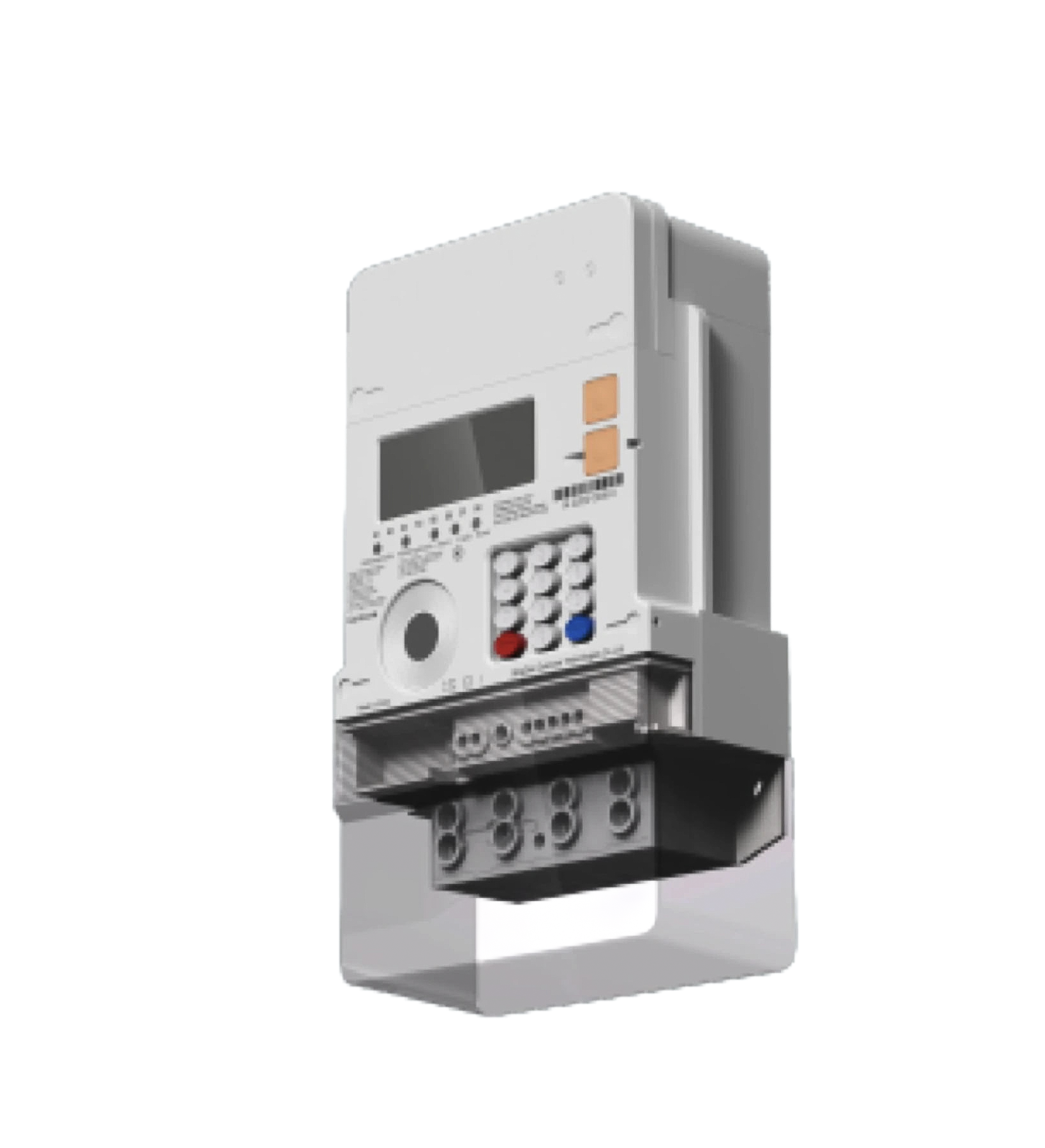
TA15 Series
Next-generation smart metering with modular communications and prepayment options.
 Profile-backedCurrent product imageView product ↗
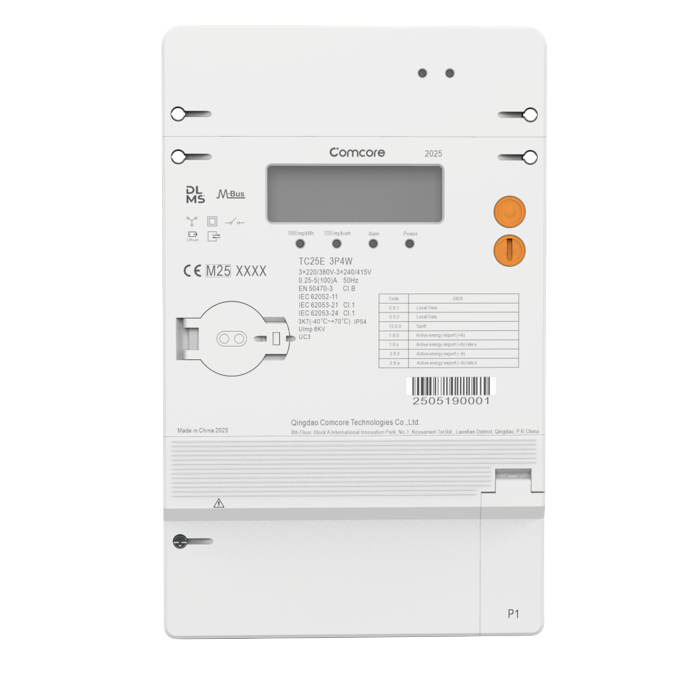
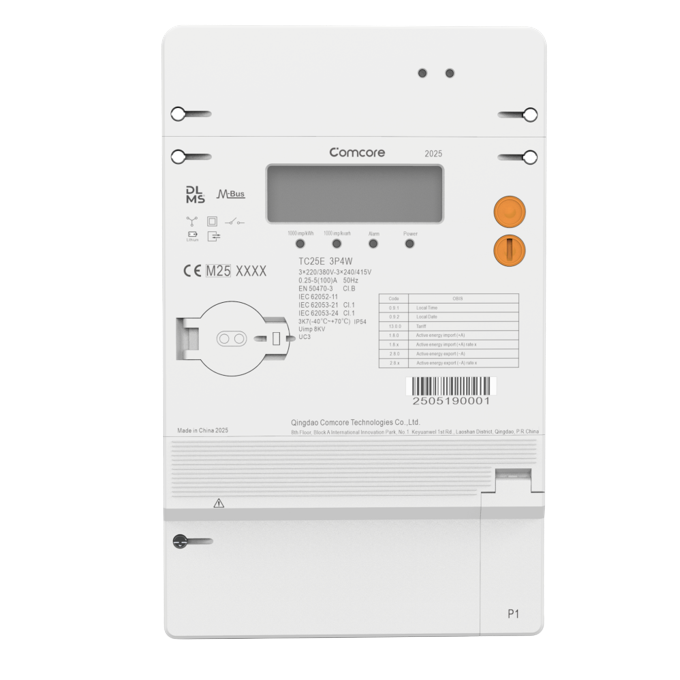
TC25E Series
Three-phase platform for AMI and prepayment programs.
 Profile-backedFidelity-safe studio treatmentView product ↗
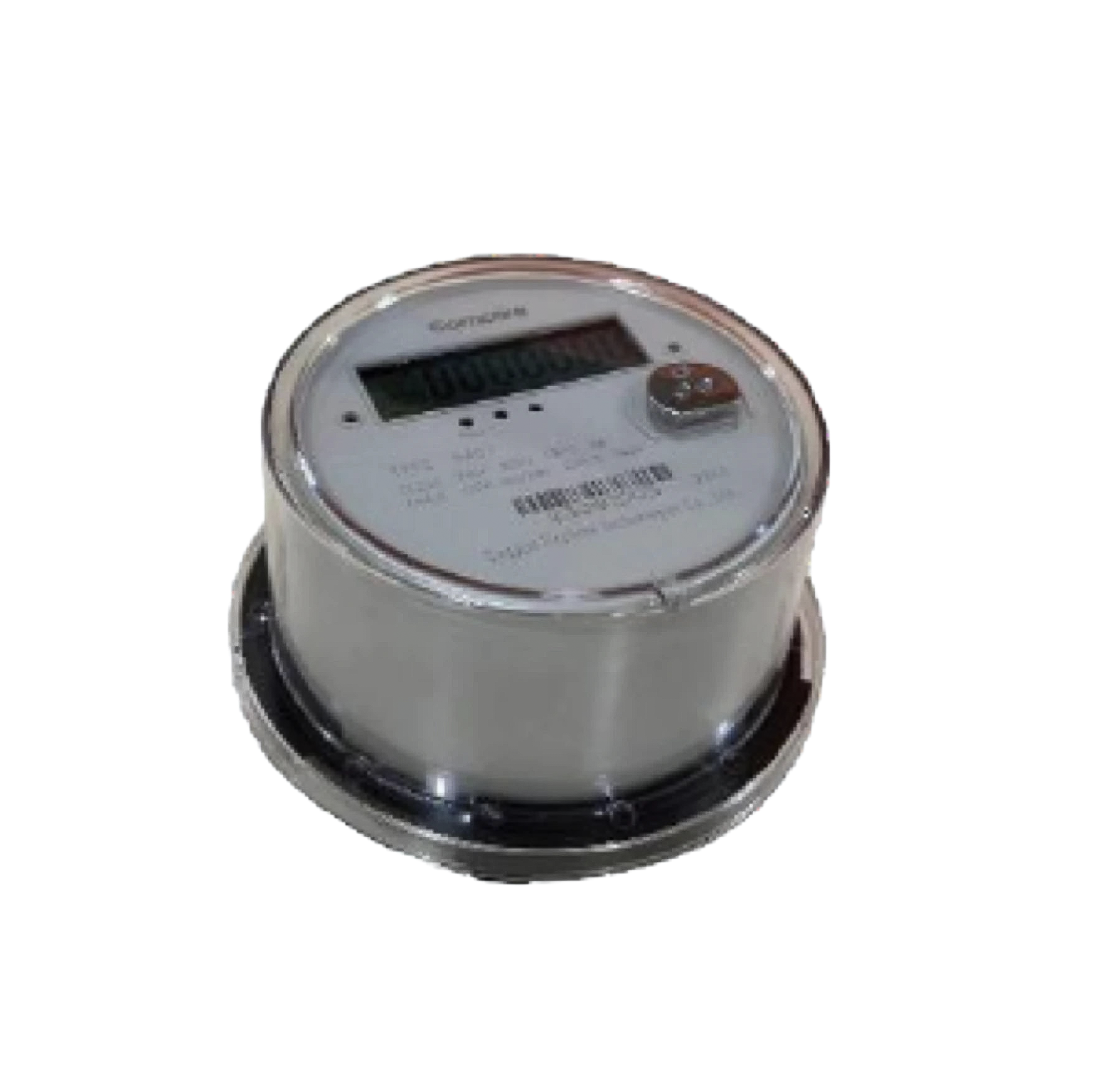
NA67 Series
Round meter for ANSI-form utility applications.
 Profile-backedFidelity-safe studio treatmentView product ↗
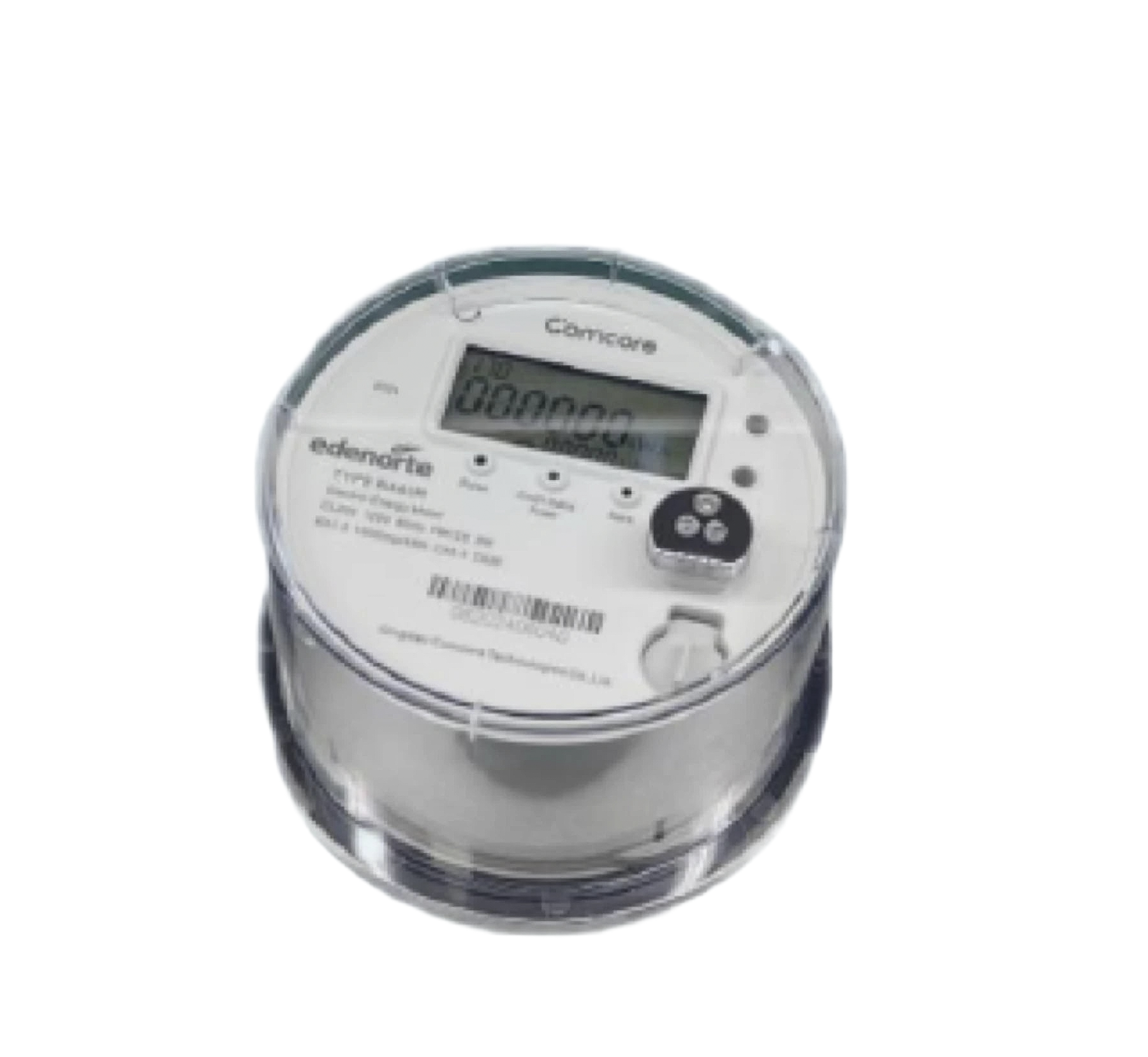
NA63 Series
Advanced three-phase platform for richer data and analysis.
 Profile-backedFidelity-safe studio treatmentView product ↗
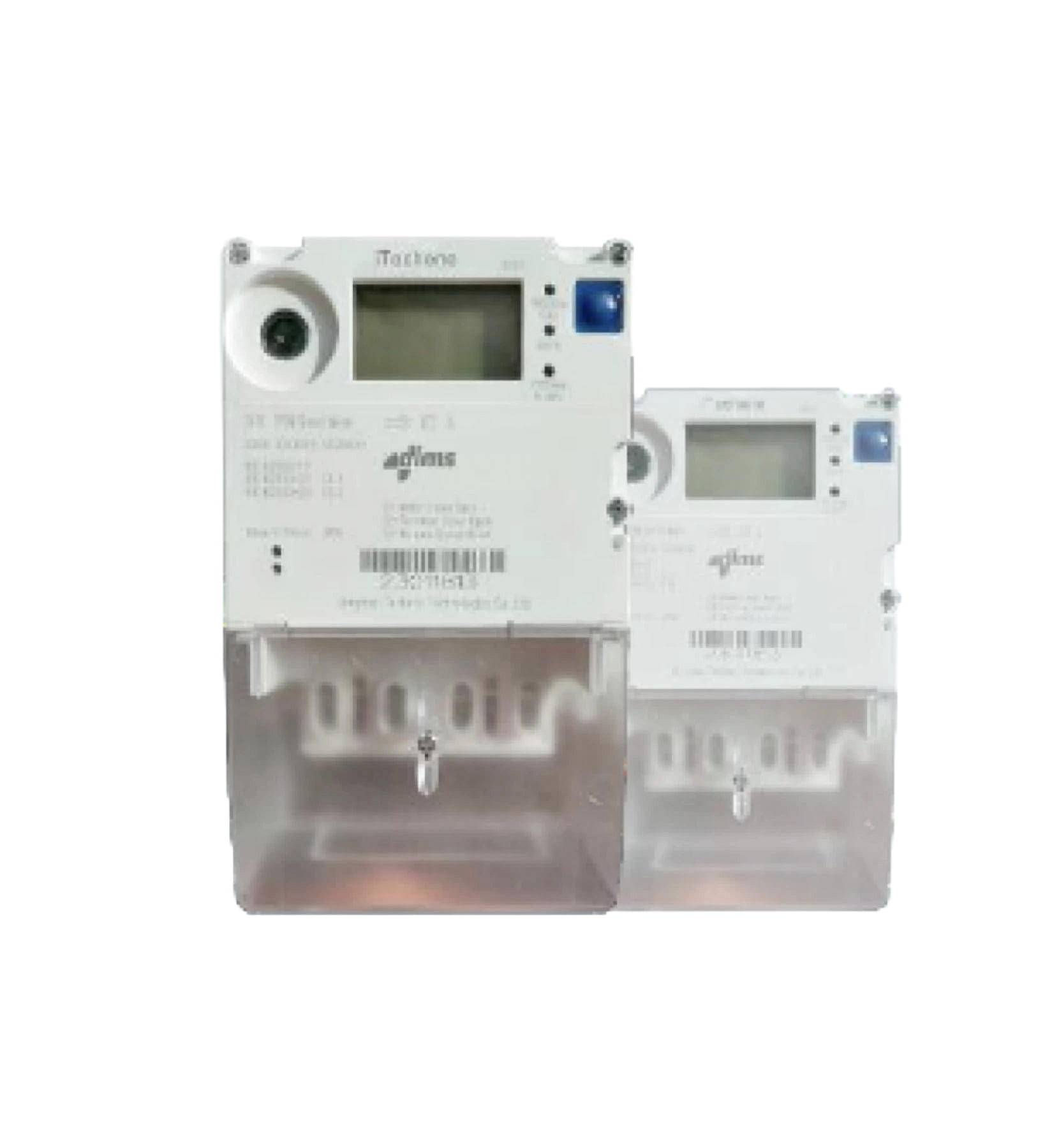
TA35 Series
Smart meter with tariff, DLMS and optional dual-circuit functions.
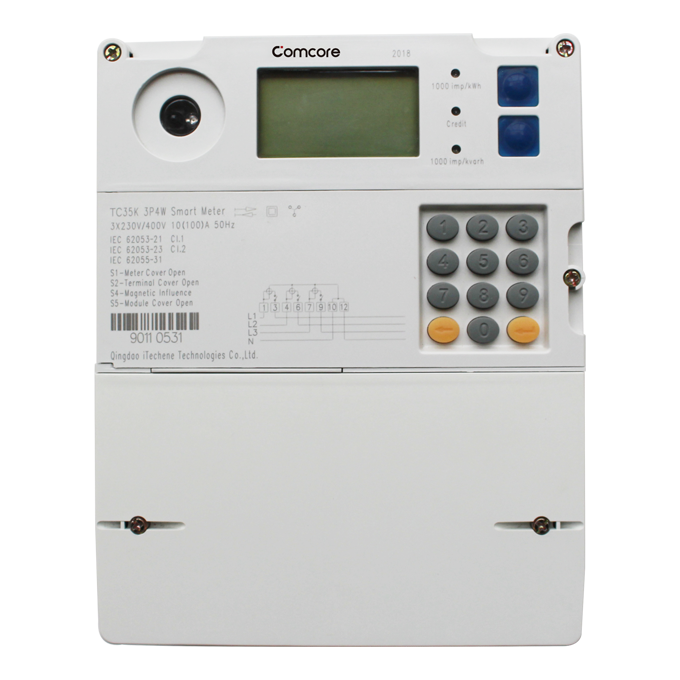 Profile-backedCurrent product imageView product ↗
TC35 Series
Three-phase prepayment platform with replaceable communications.
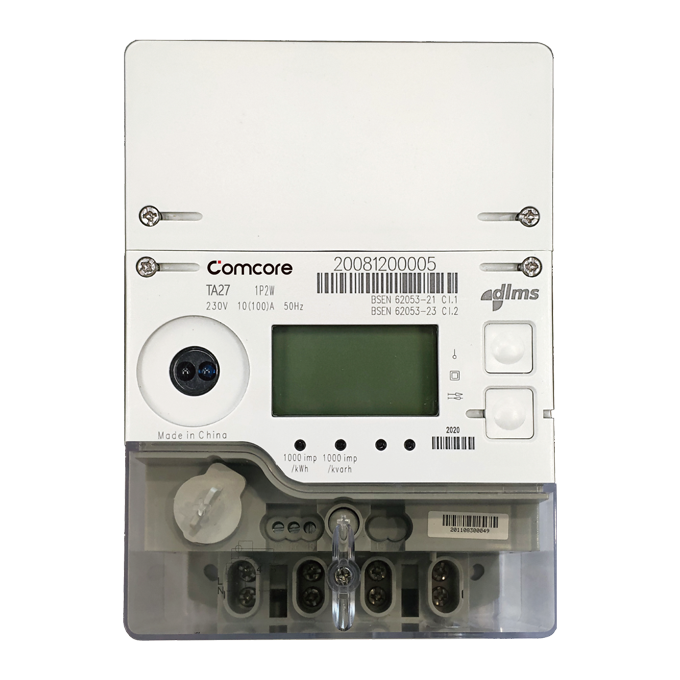 Profile-backedCurrent product imageView product ↗
TA27
Compact prepayment product with advanced data and power-quality functions.
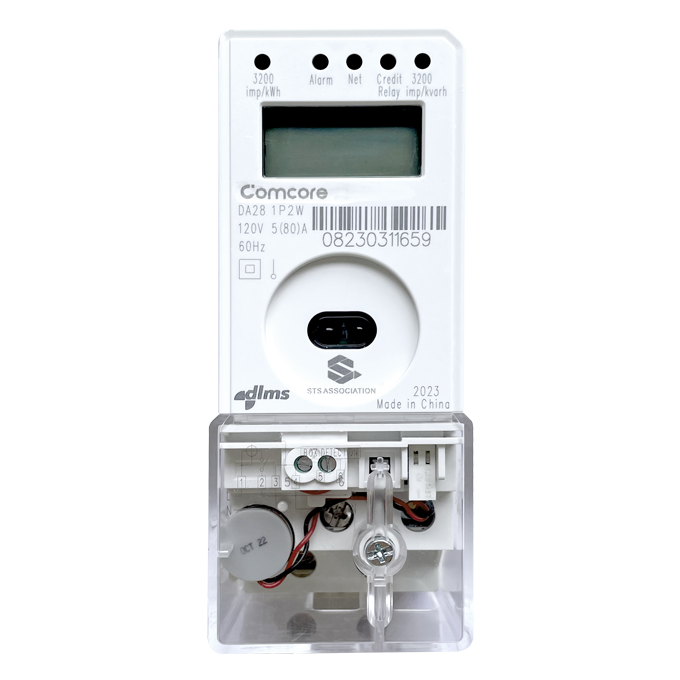 Profile-backedCurrent product imageView product ↗
DA28
DIN-rail split metering for protected installations.
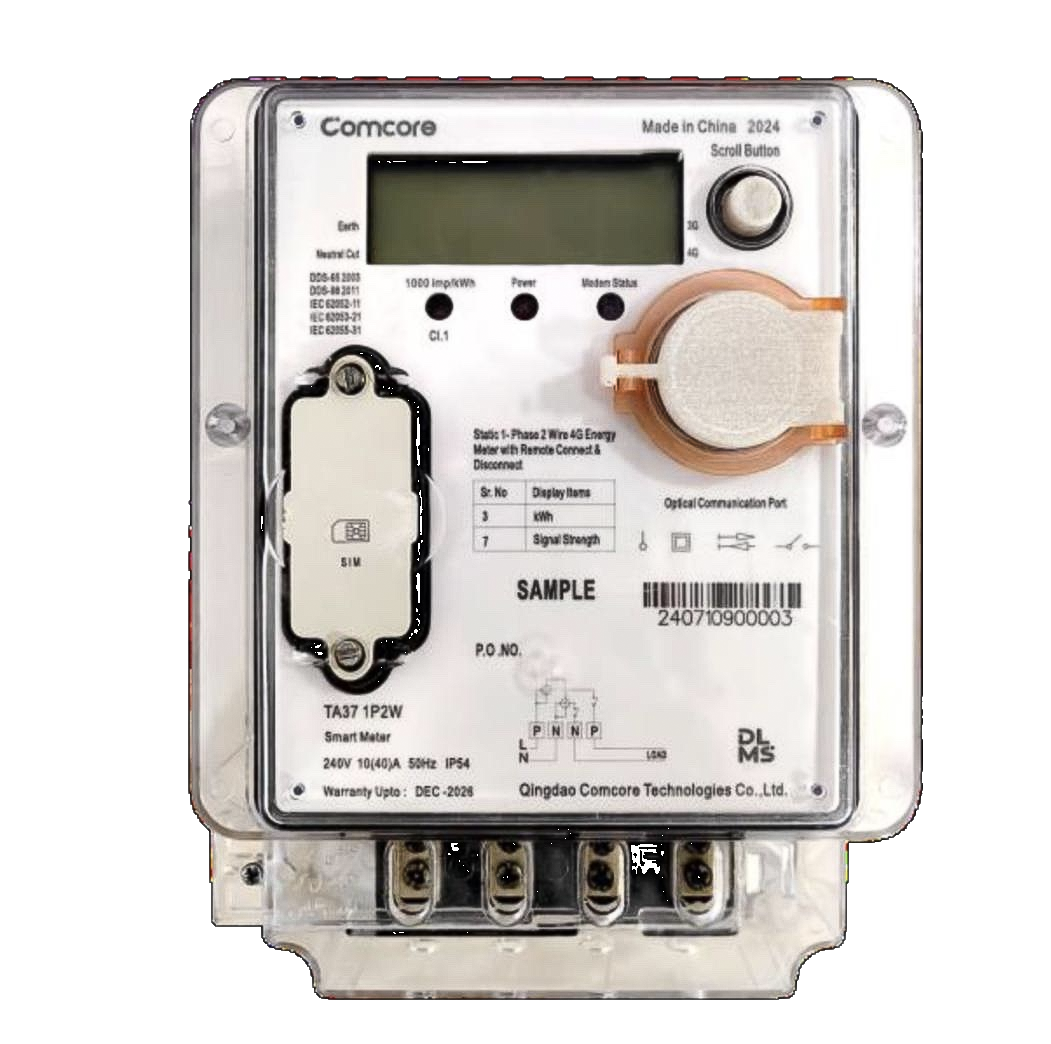 Profile-backedFidelity-safe studio treatmentView product ↗
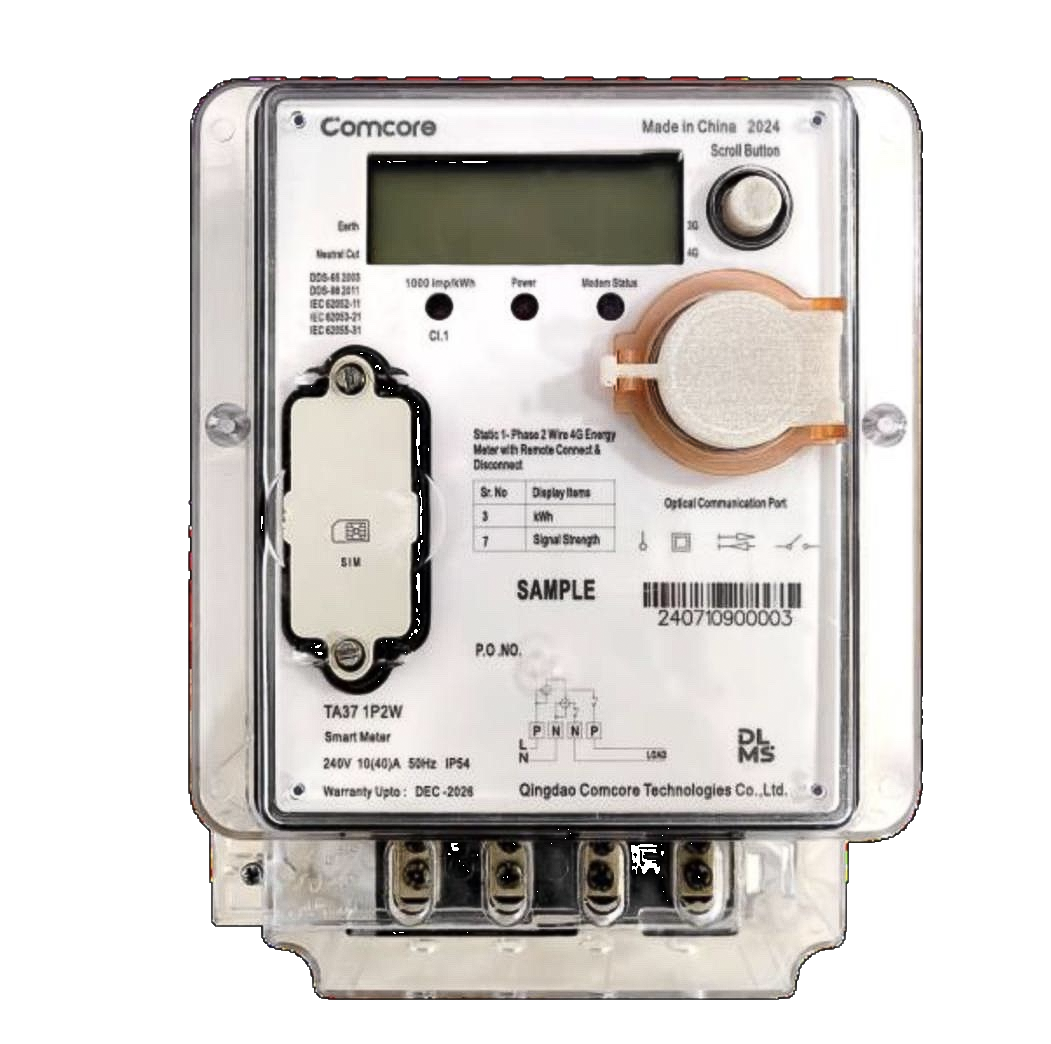
TA37 Series
High anti-tamper single-phase platform.
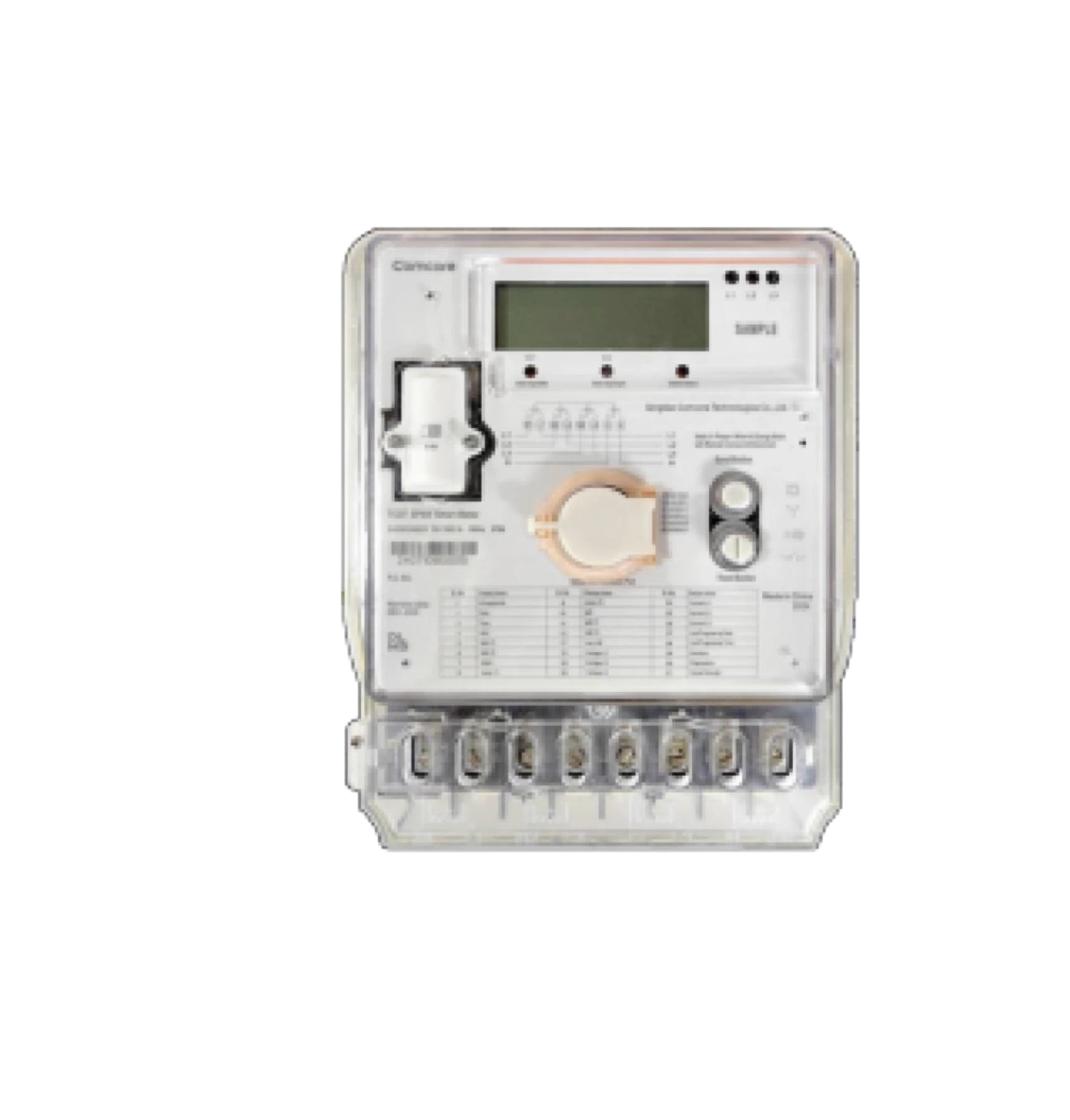 Profile-backedFidelity-safe studio treatmentView product ↗
TC37 Series
Three-phase smart platform for data-rich utility deployments.
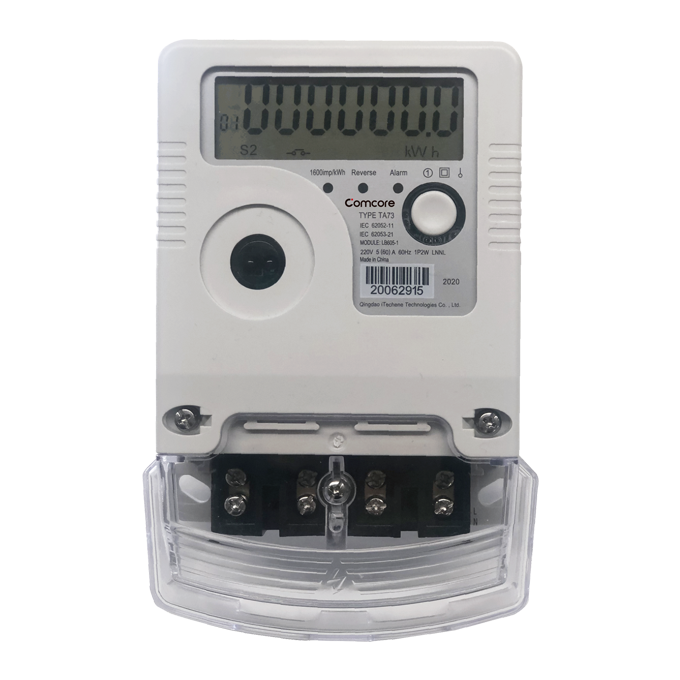 Profile-backedCurrent product imageView product ↗
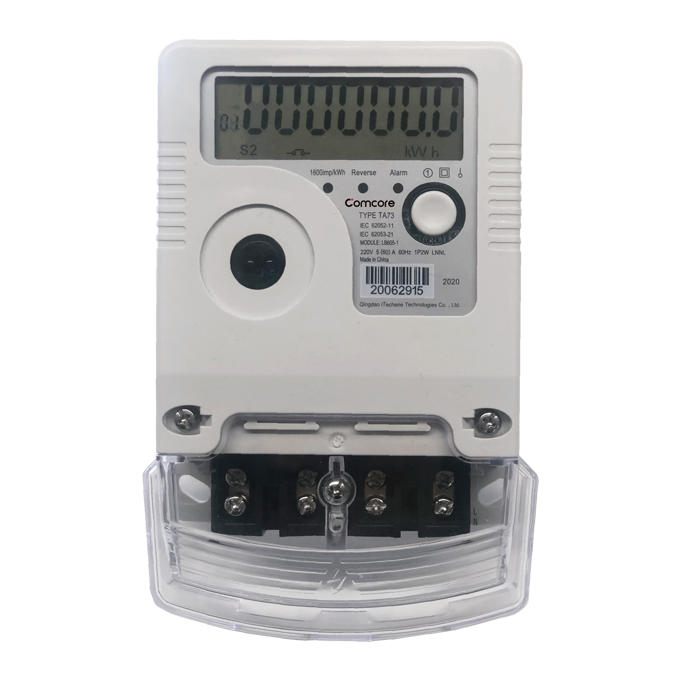
TA73 Series
Compact electronic meter for conventional or connected configurations.
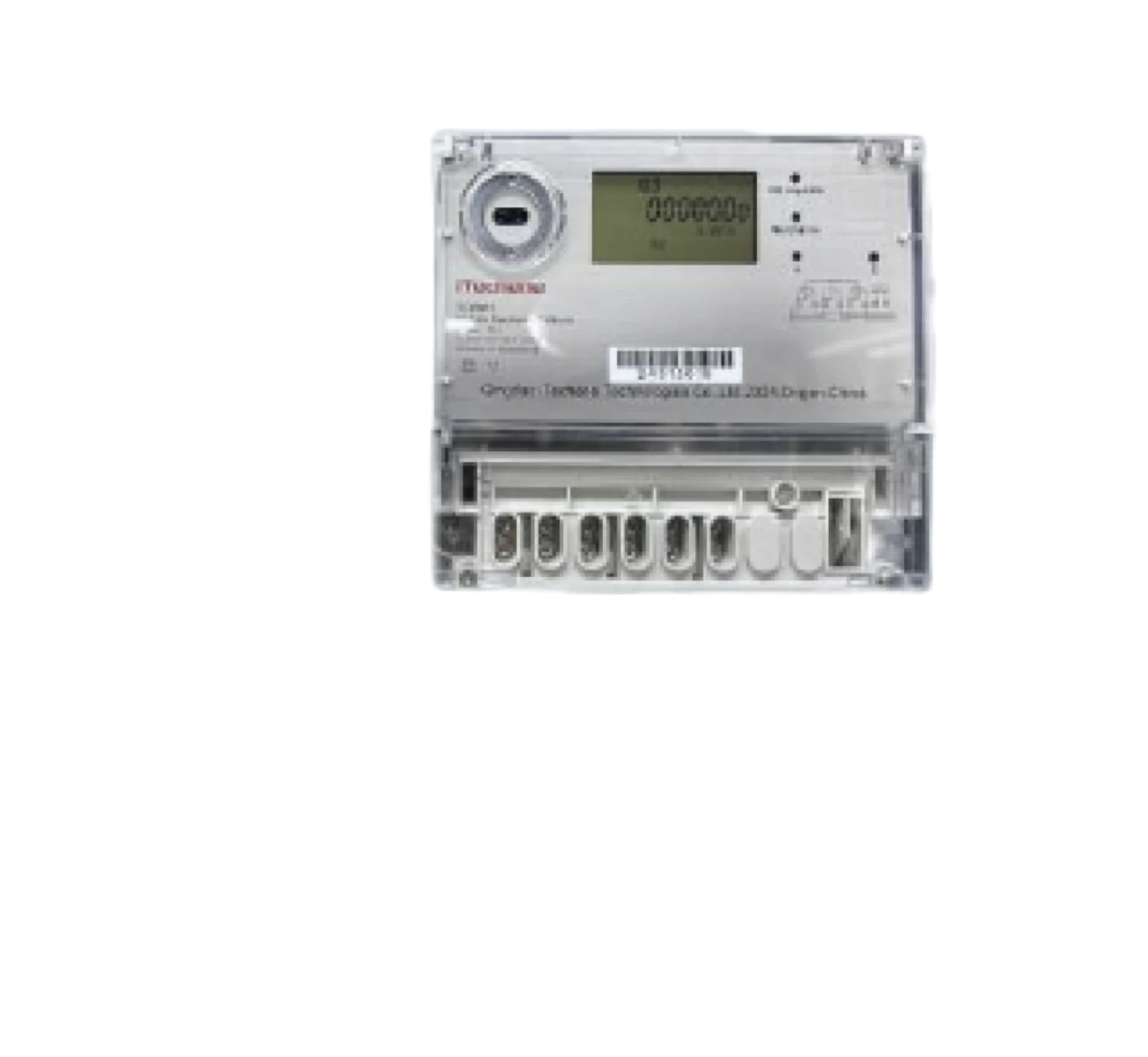 Profile-backedFidelity-safe studio treatmentView product ↗
TC78 Series
Three-phase electronic meter with expandable communications.
 Brochure-backedSystem visualView product ↗
NA61
Current Metro Power brochure-backed smart-meter platform.
 Datasheet-backedSystem visualView product ↗
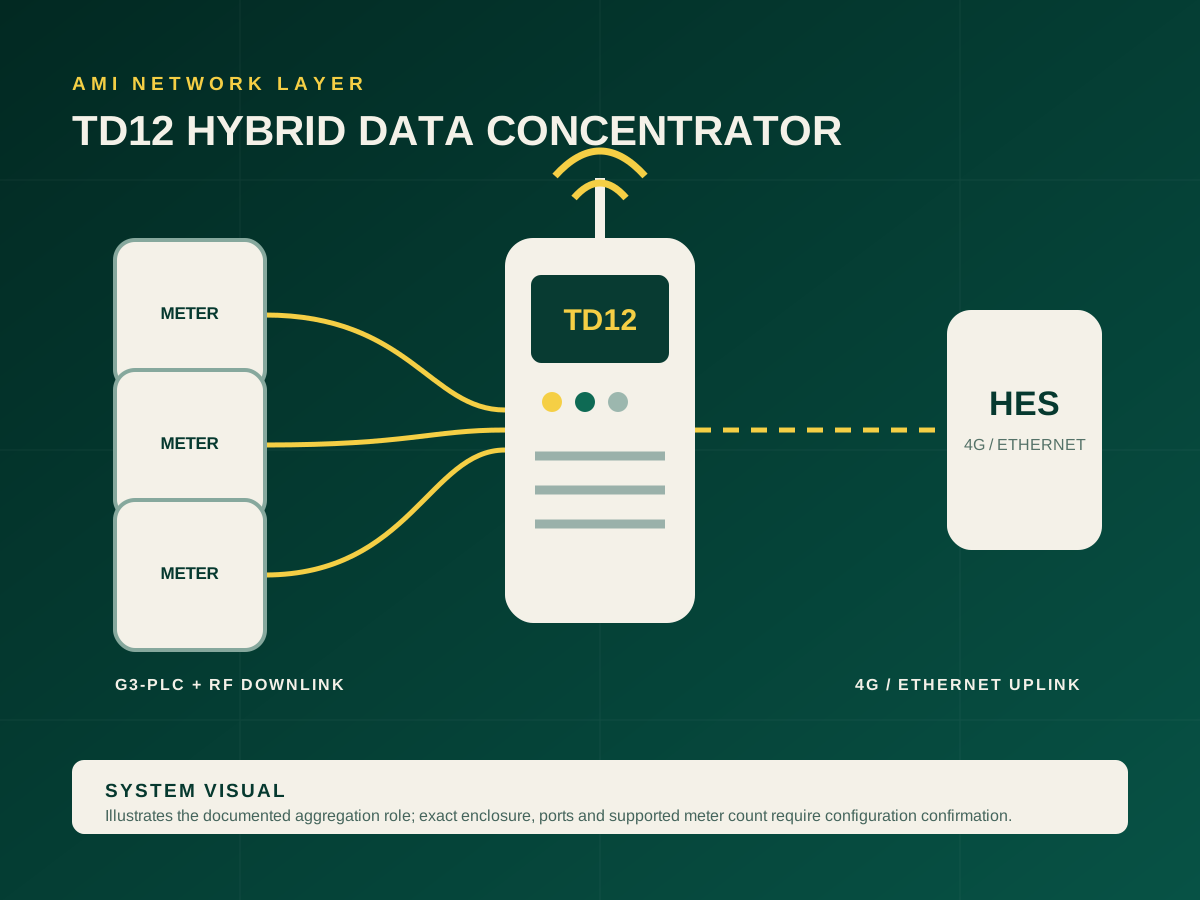
TD12
Gateway for compatible AMI meter collection and protocol conversion.
 Profile-backedSystem visualView product ↗
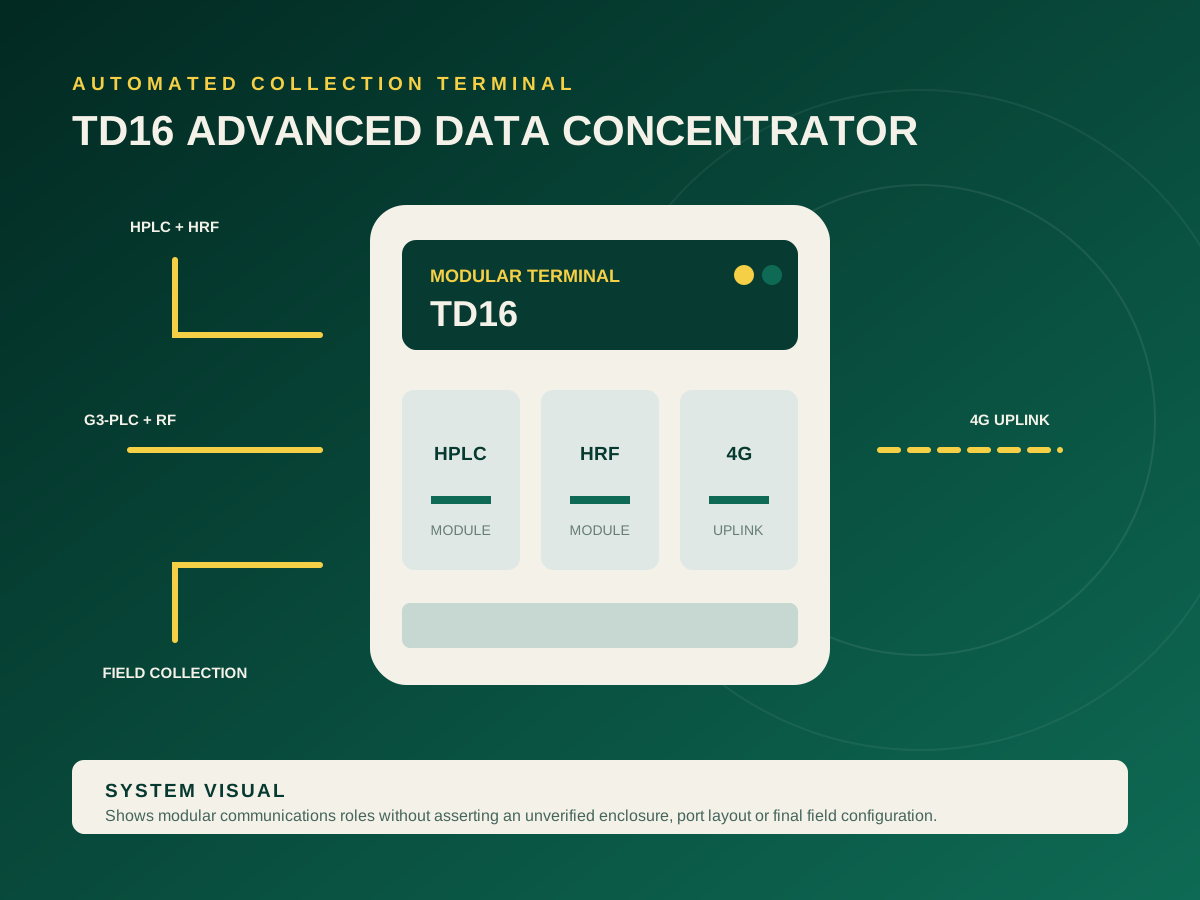
TD16
Low-voltage automated collection terminal with modular applications.
 Profile-backedSystem visualView product ↗
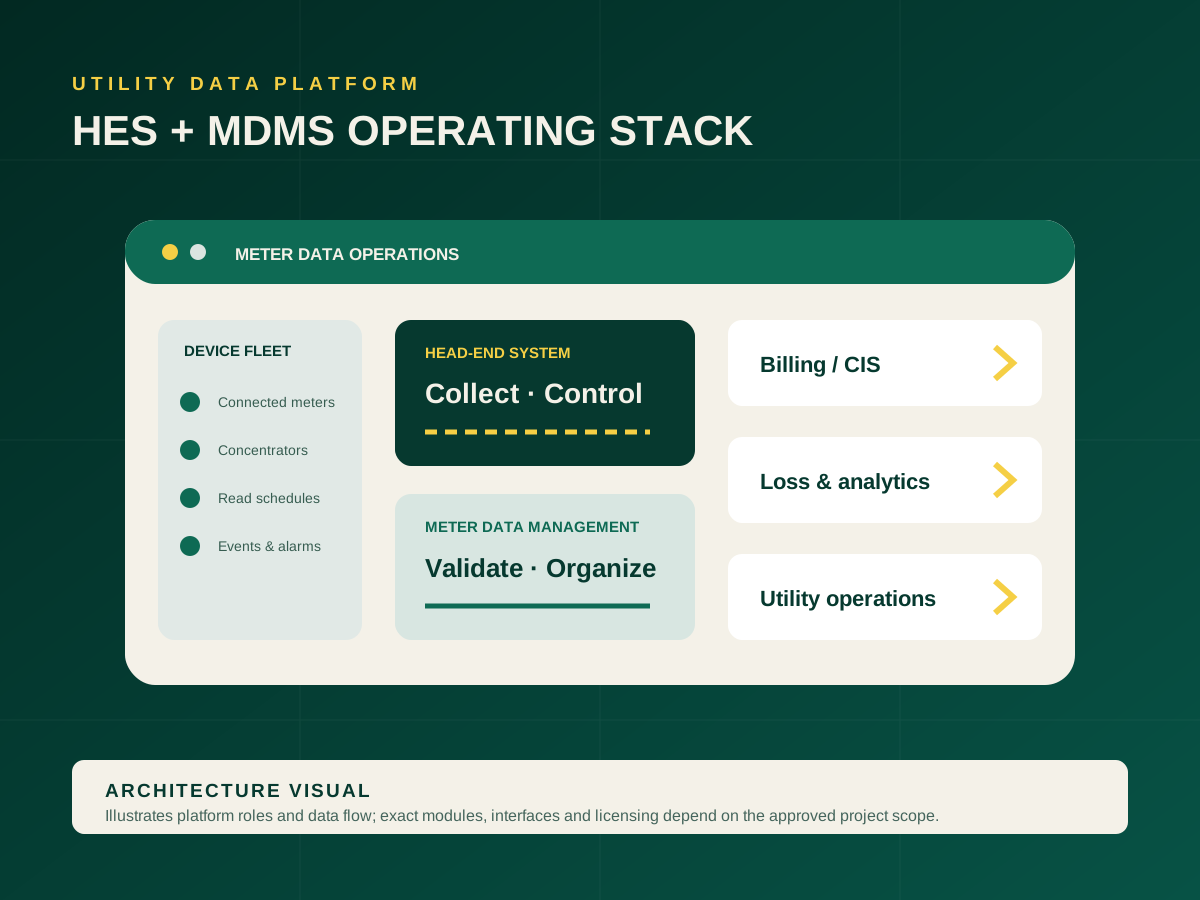
HES + MDMS
Central device and meter-data platforms for a full AMI operating architecture.
 Profile-backedFidelity-safe studio treatmentView product ↗
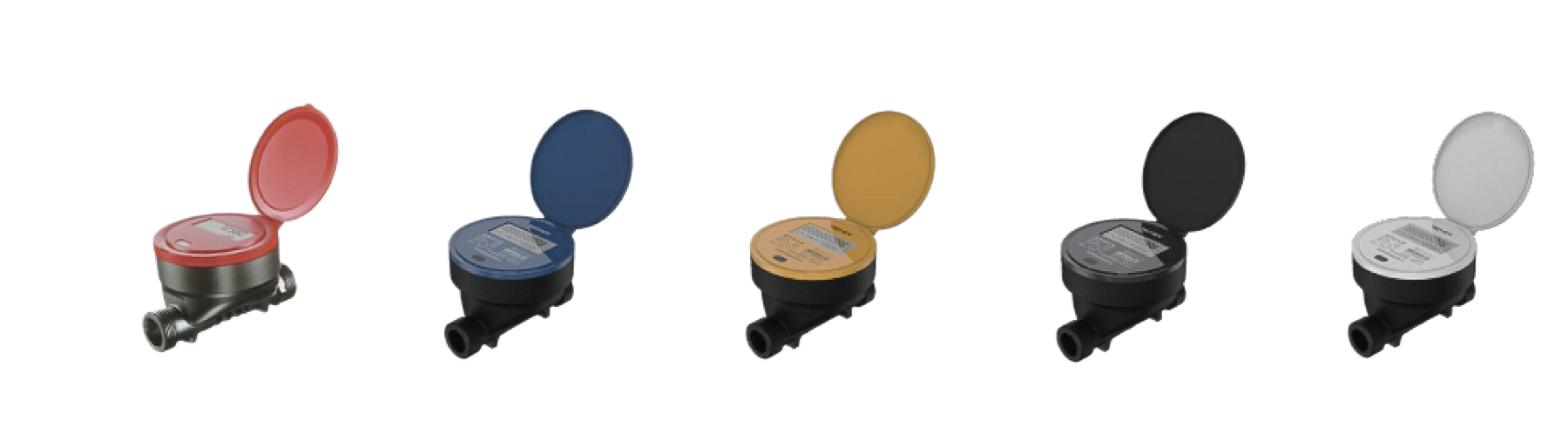
Residential / commercial
Static ultrasonic platform with flexible installation.
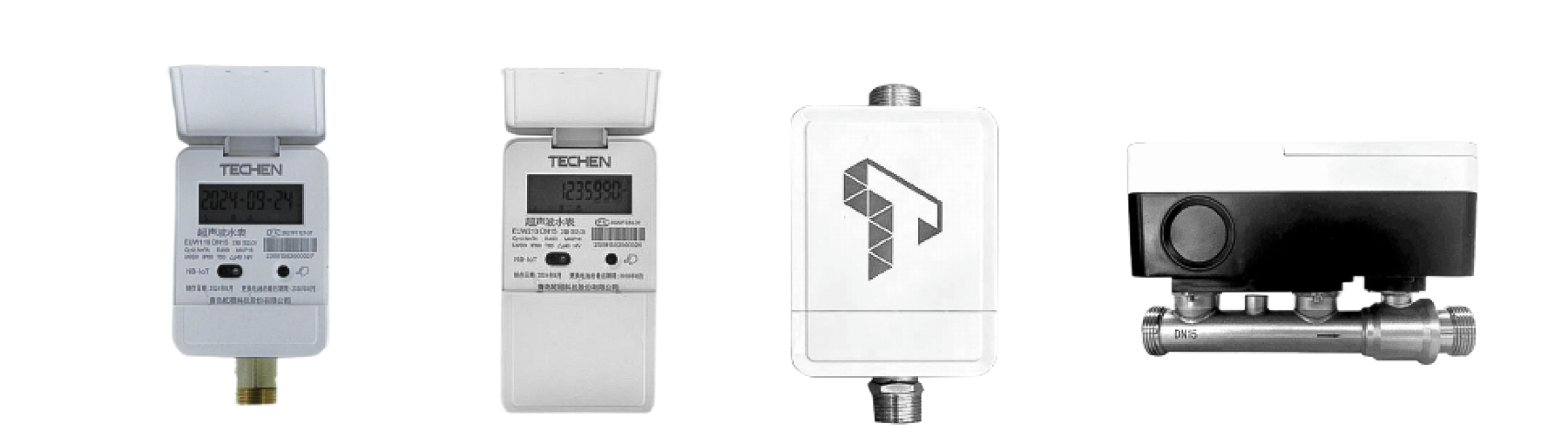 Profile-backedFidelity-safe studio treatmentView product ↗
Modular series
Serviceable ultrasonic platform with rich events and antenna options.
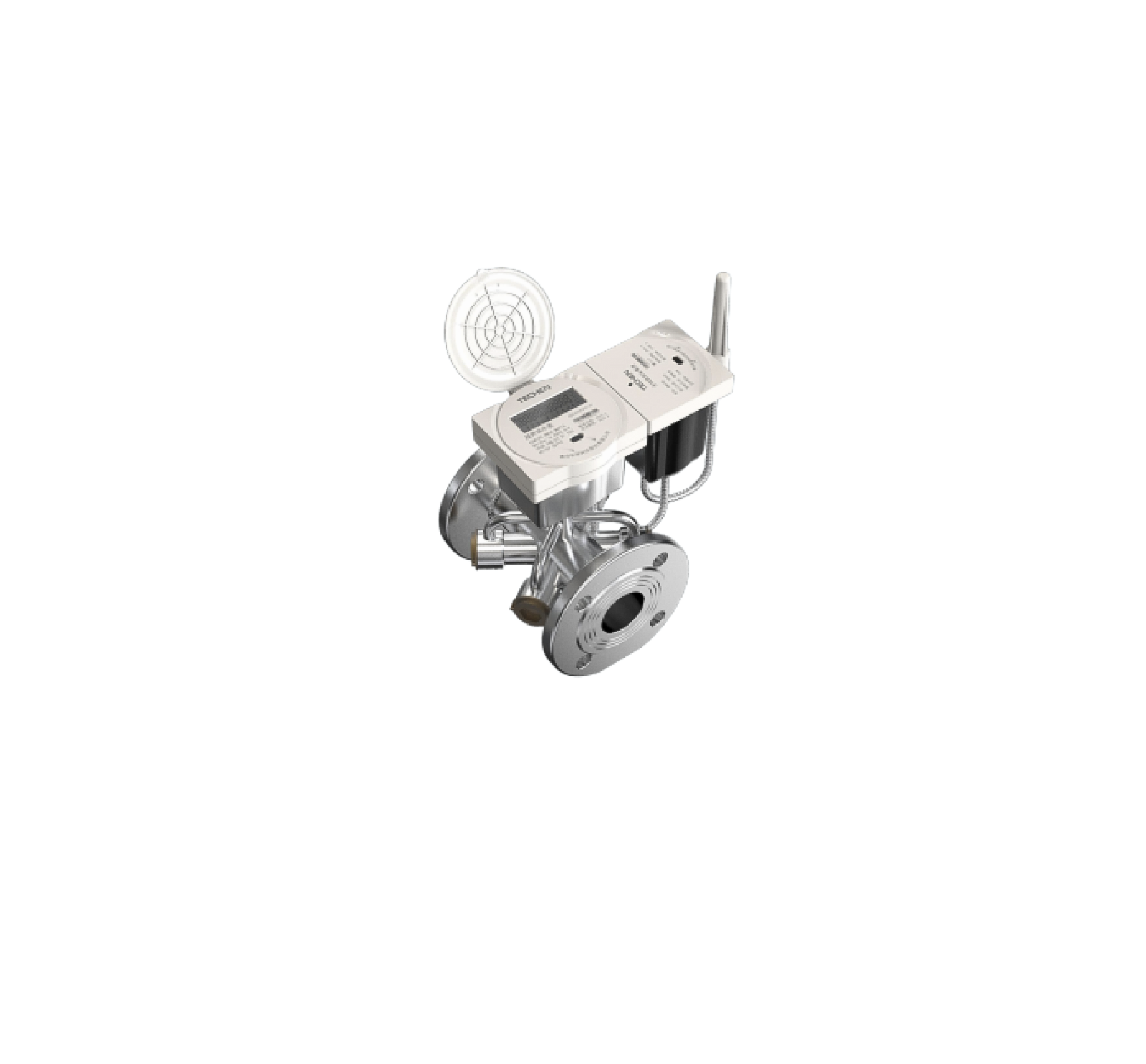 Profile-backedFidelity-safe studio treatmentView product ↗
Bulk / DMA series
Multi-channel product for larger pipes and network measurement.
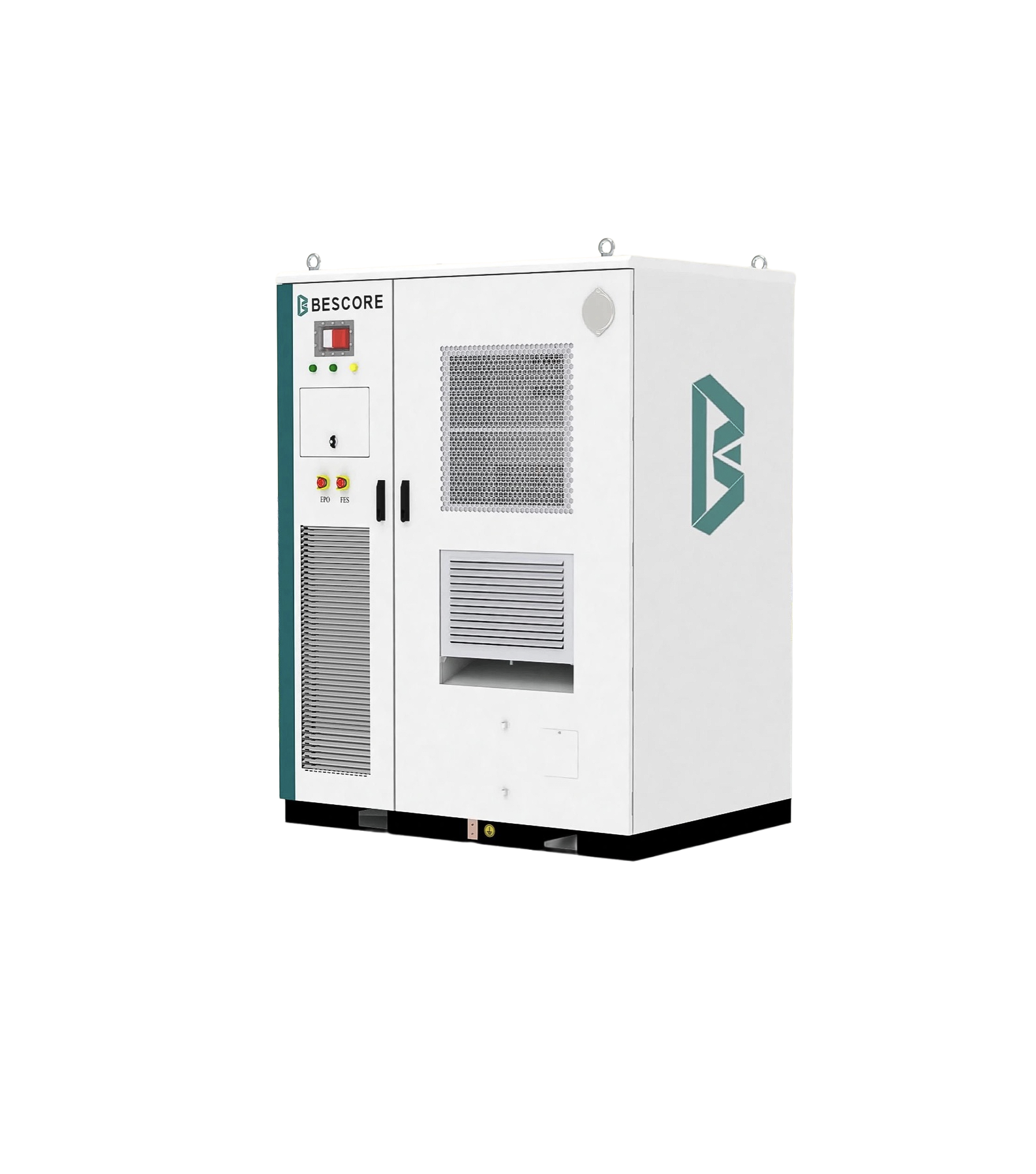 Profile-backedFidelity-safe studio treatmentView product ↗
BSC-CE2-0105K0215K
Modular C&I or microgrid system.
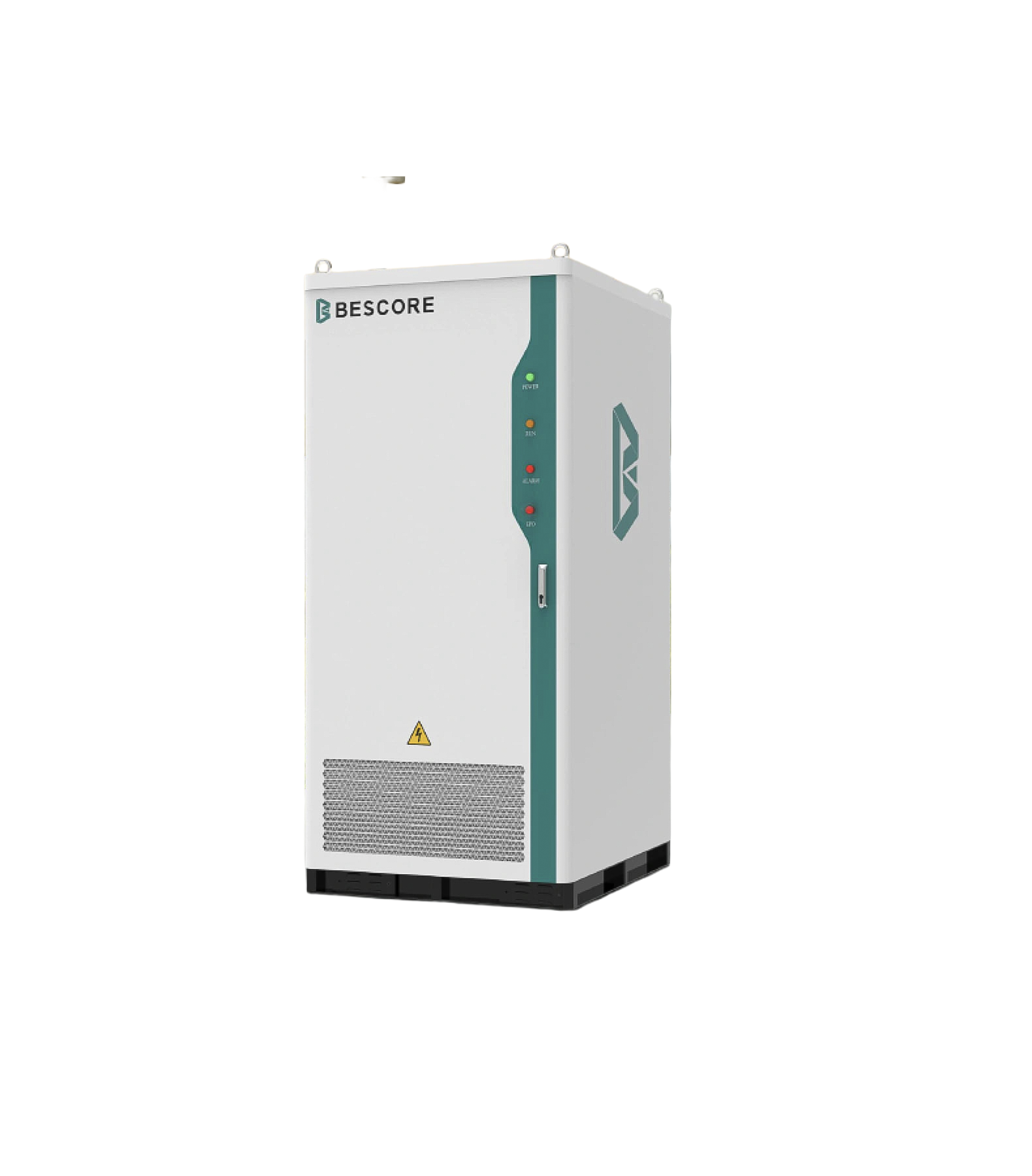 Profile-backedFidelity-safe studio treatmentView product ↗
BSC-CE4-0125K0261K
Compact liquid-cooled C&I platform.
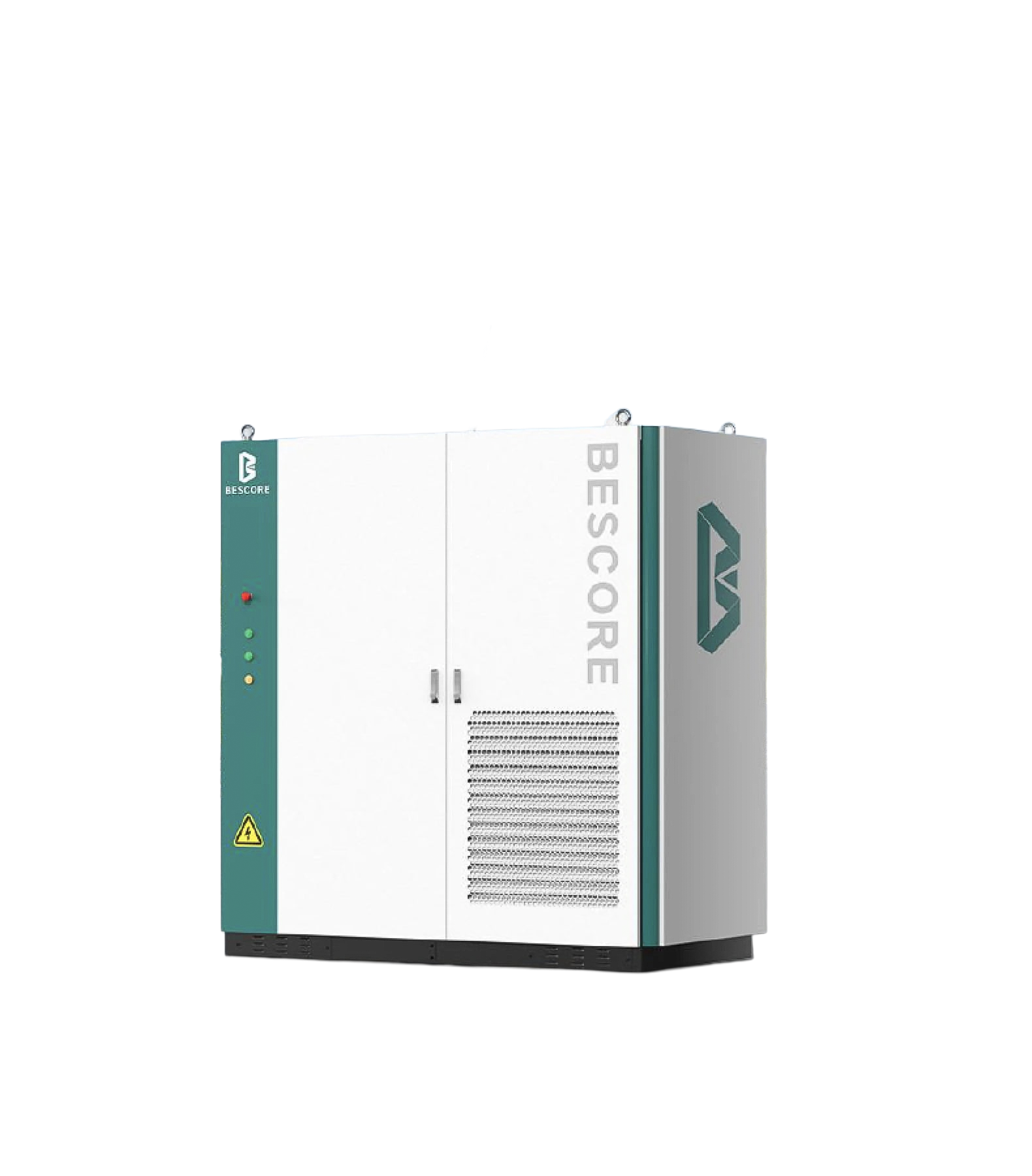 Profile-backedFidelity-safe studio treatmentView product ↗
BSC-CD2-0050K0200K / BSC-CD2-0100K0200K
Integrated hybrid microgrid solution.
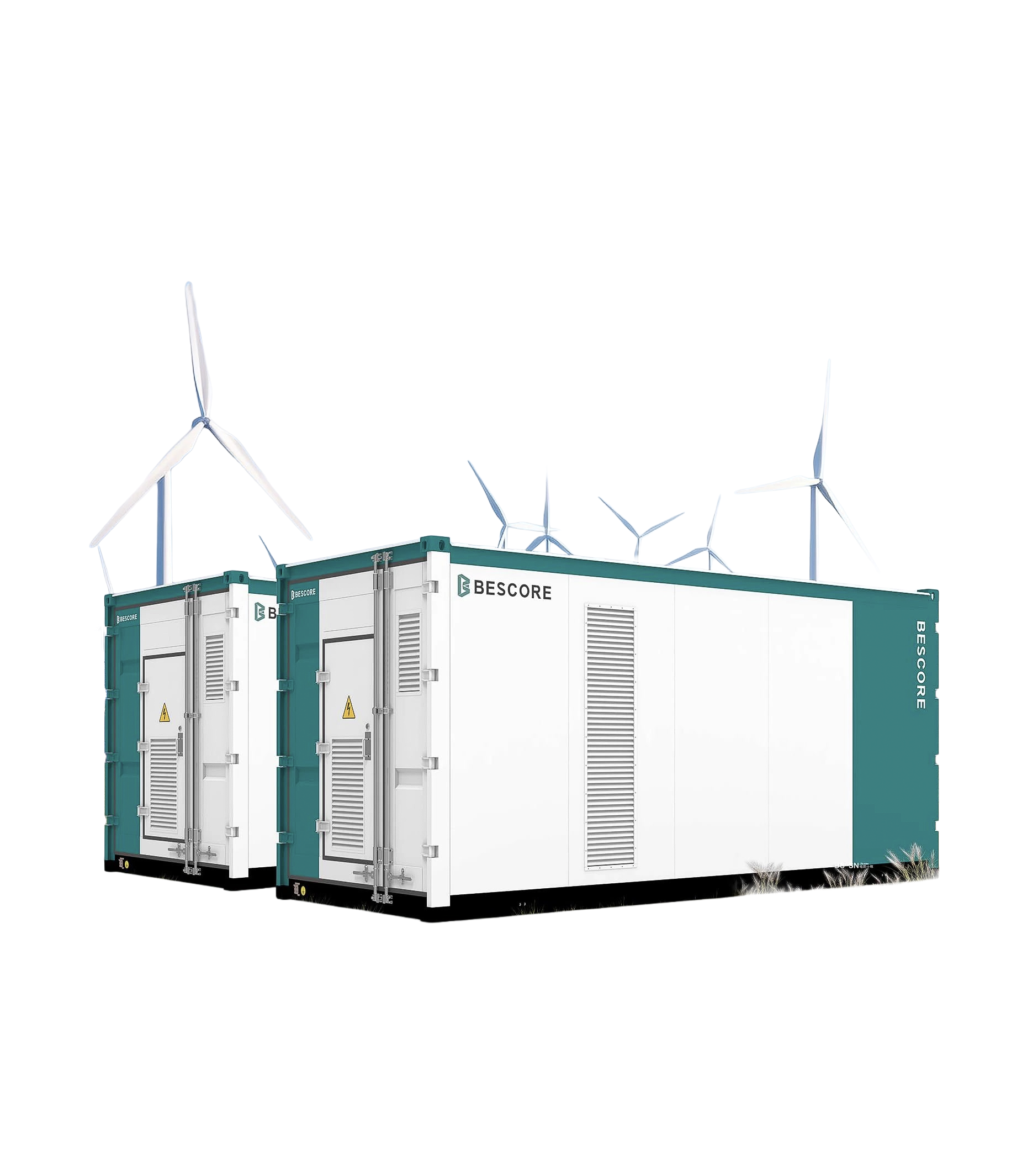 Profile-backedFidelity-safe studio treatmentView product ↗
BSC-CB1-0500K1075K
Containerized commercial and industrial storage.
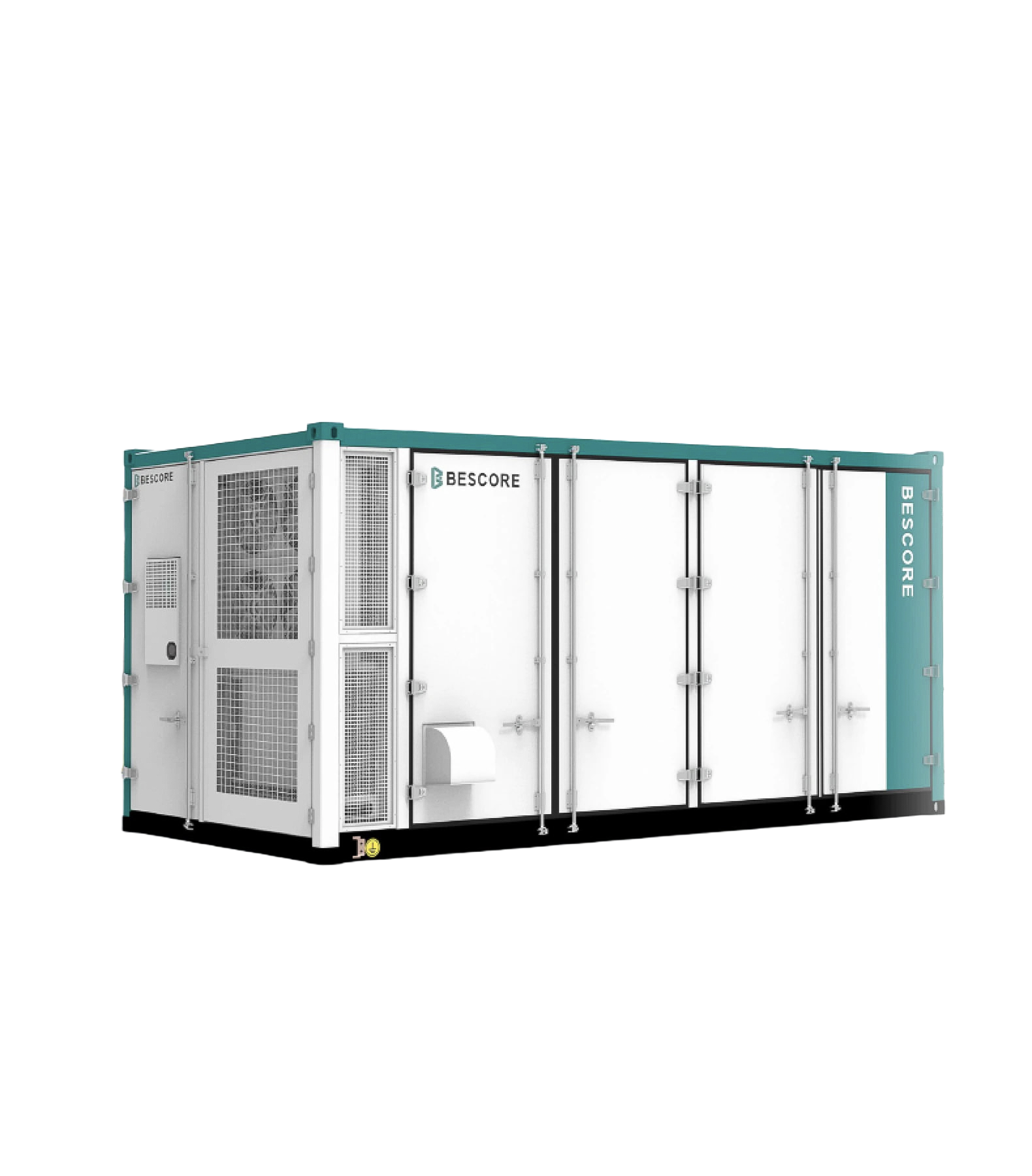 Profile-backedFidelity-safe studio treatmentView product ↗
BSC-CS3-2500K5000K
High-capacity liquid-cooled storage compartment.
 Product material availableFidelity-safe studio treatmentView product ↗
22kW / dual 22kW
For homes, workplaces, hotels and longer-dwell parking.
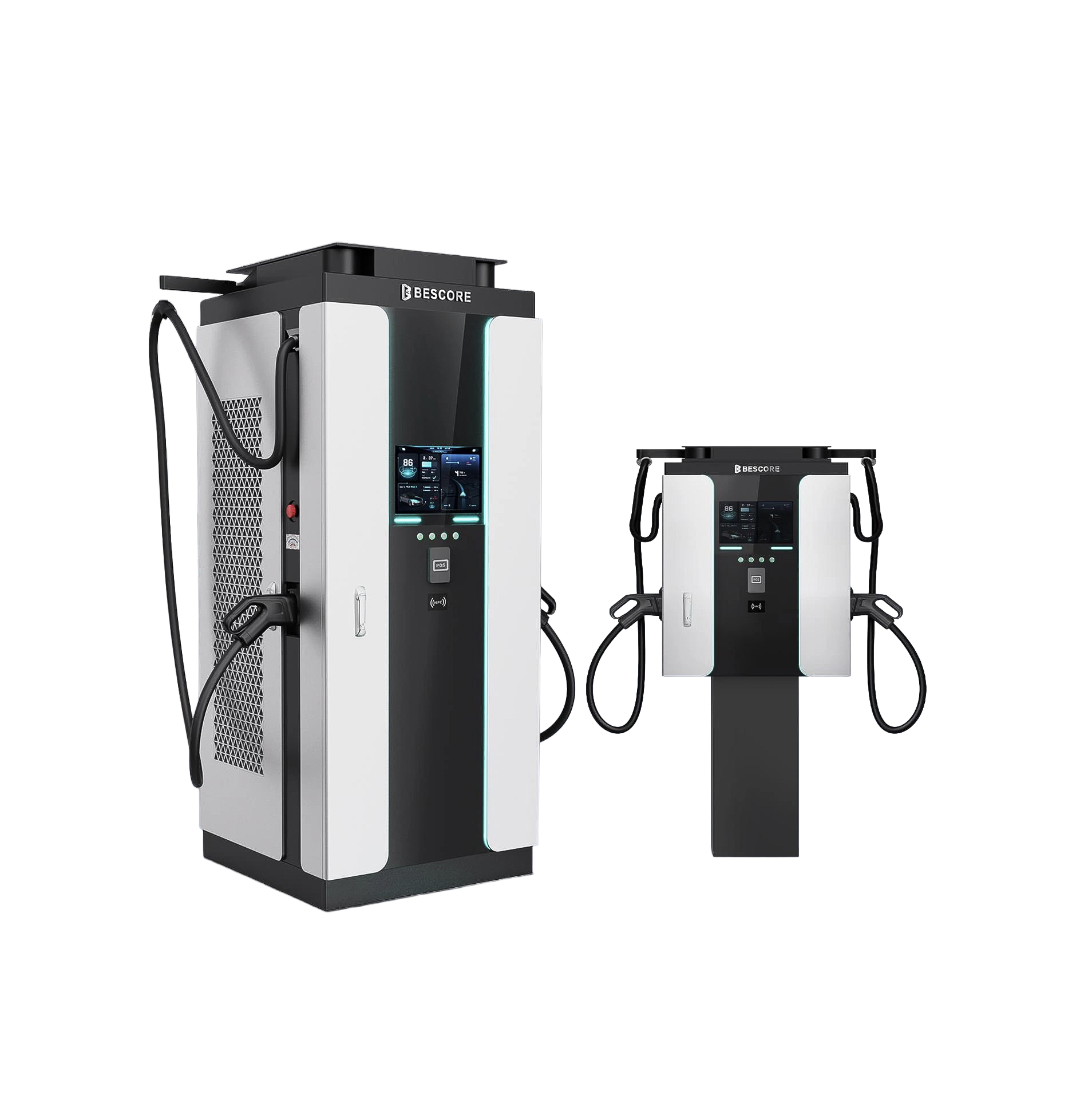 Datasheet-backedFidelity-safe studio treatmentView product ↗
BSC-S03CCN / S06CCC / S08CCC / S12CCC / S16CCC / S18CCC
Documented 30–180kW family.
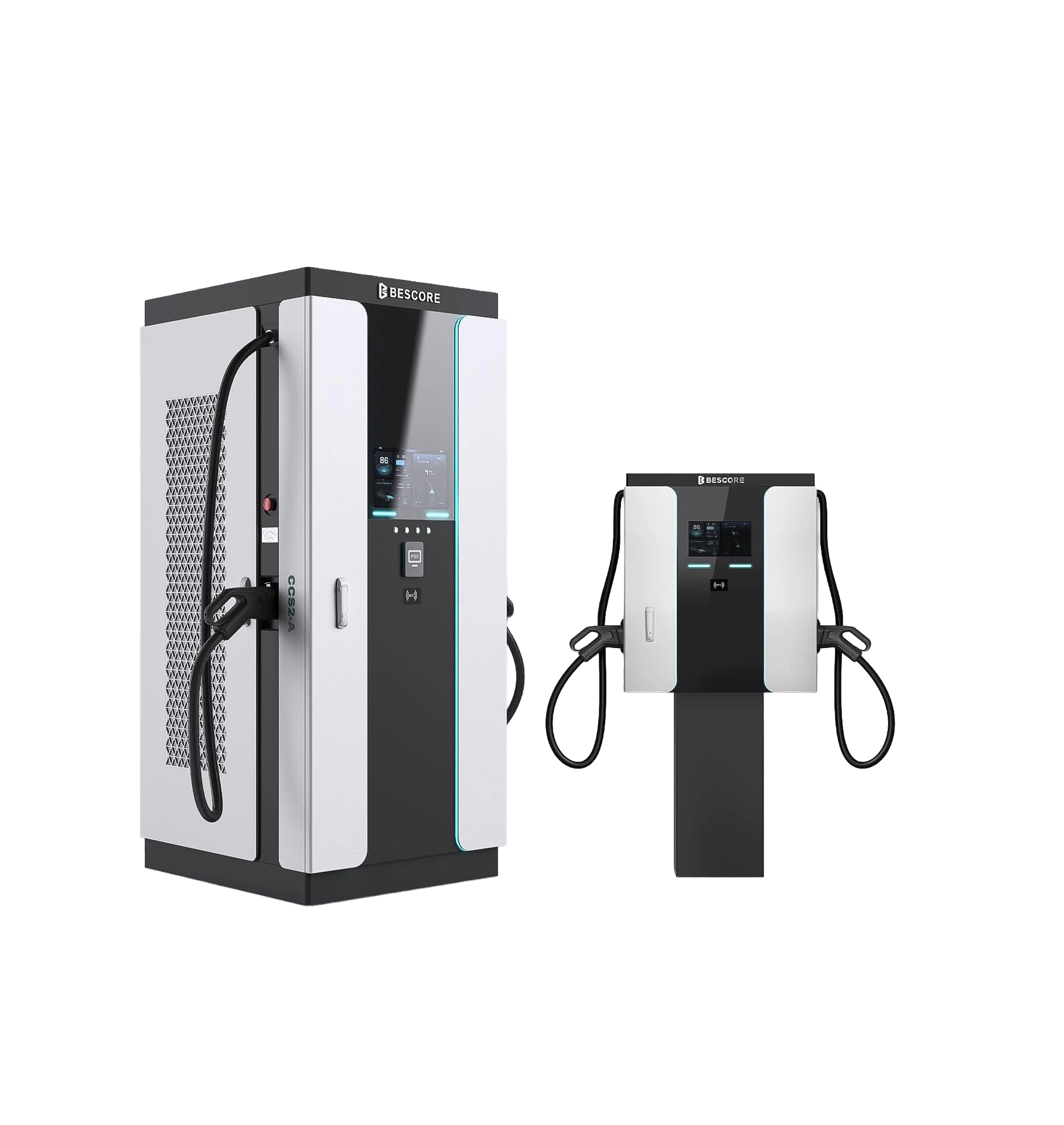 Datasheet-backedFidelity-safe studio treatmentView product ↗
BSC-S24CCC / S32CCC / S36CCC / S40CCC / S48CCC
Documented 240–480kW family.
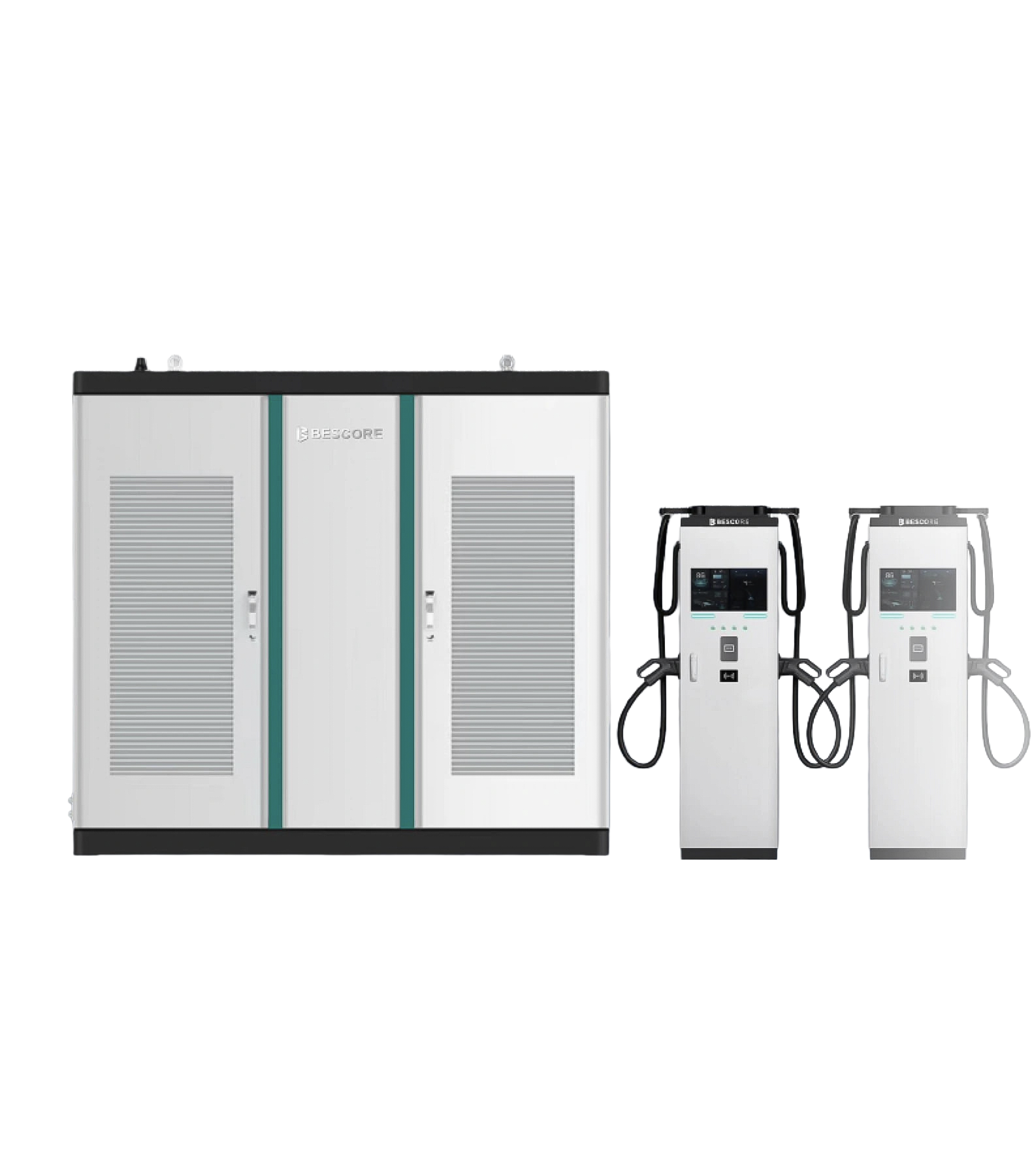 Reconfirm current offerFidelity-safe studio treatmentView product ↗
BSC-F03BC / BSC-F06BCC
30kW and 60kW options previously proposed for cooperative charging hubs.
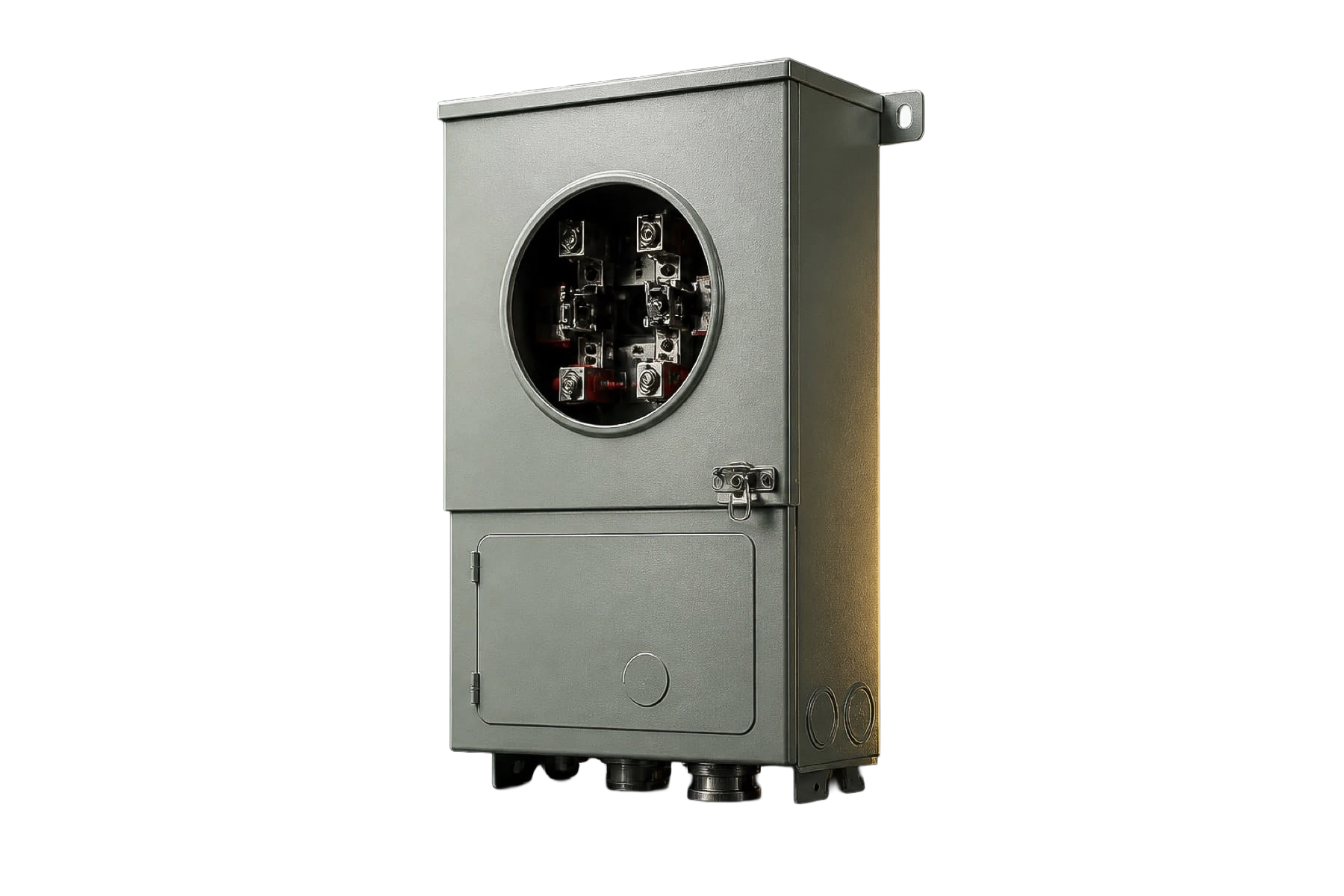 Configuration-controlledFidelity-safe studio treatmentView product ↗
Project-configured
Sockets, bases, boxes and accessories matched to the approved installation.
Configuration-controlledFidelity-safe studio treatmentView product ↗Project-configured
Service equipment matched to meter form, conductor, sealing and installation conditions.
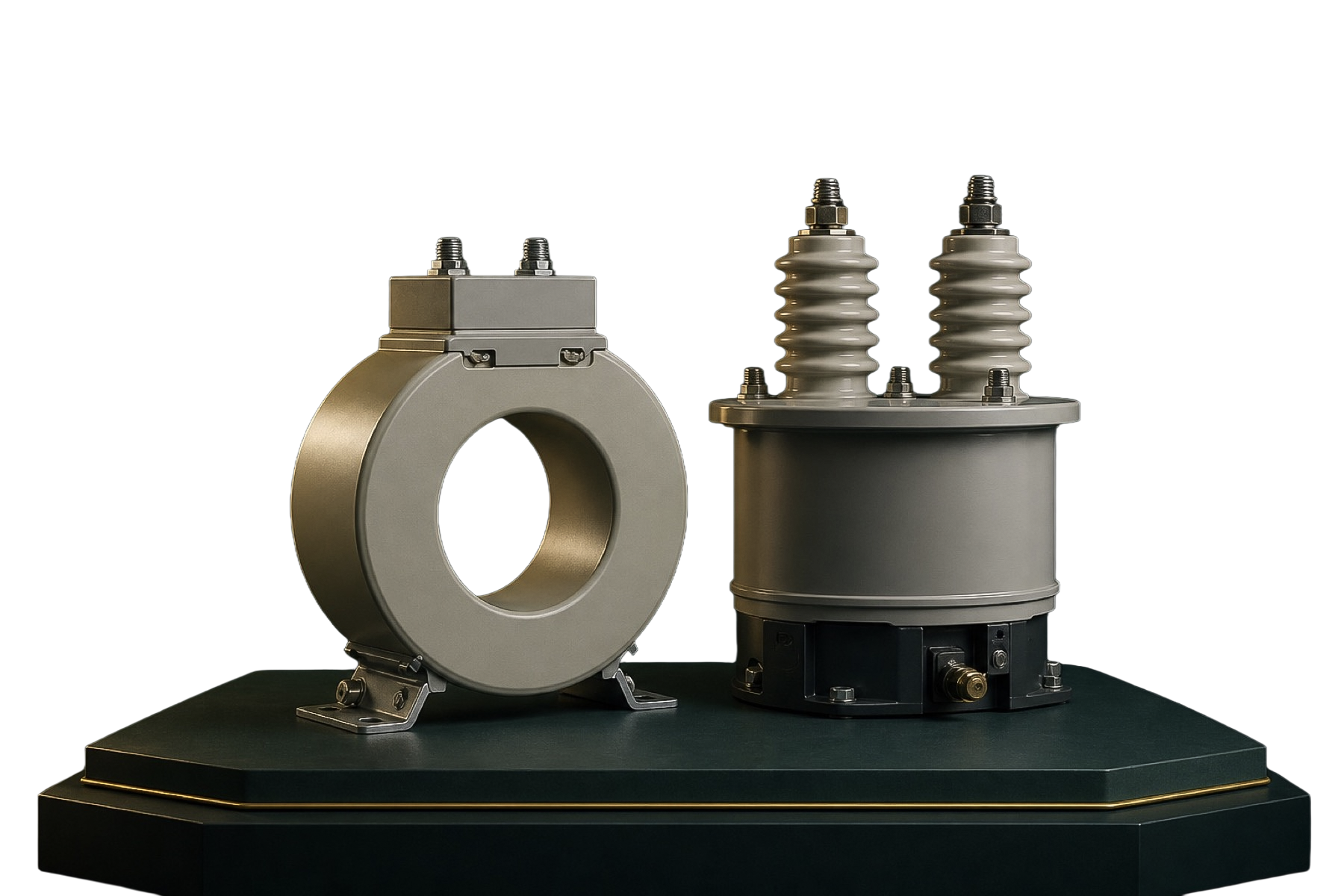 Configuration-controlledFidelity-safe studio treatmentView product ↗
CT / PT applications
Measurement and protection interfaces selected against ratio, burden, accuracy and insulation requirements.
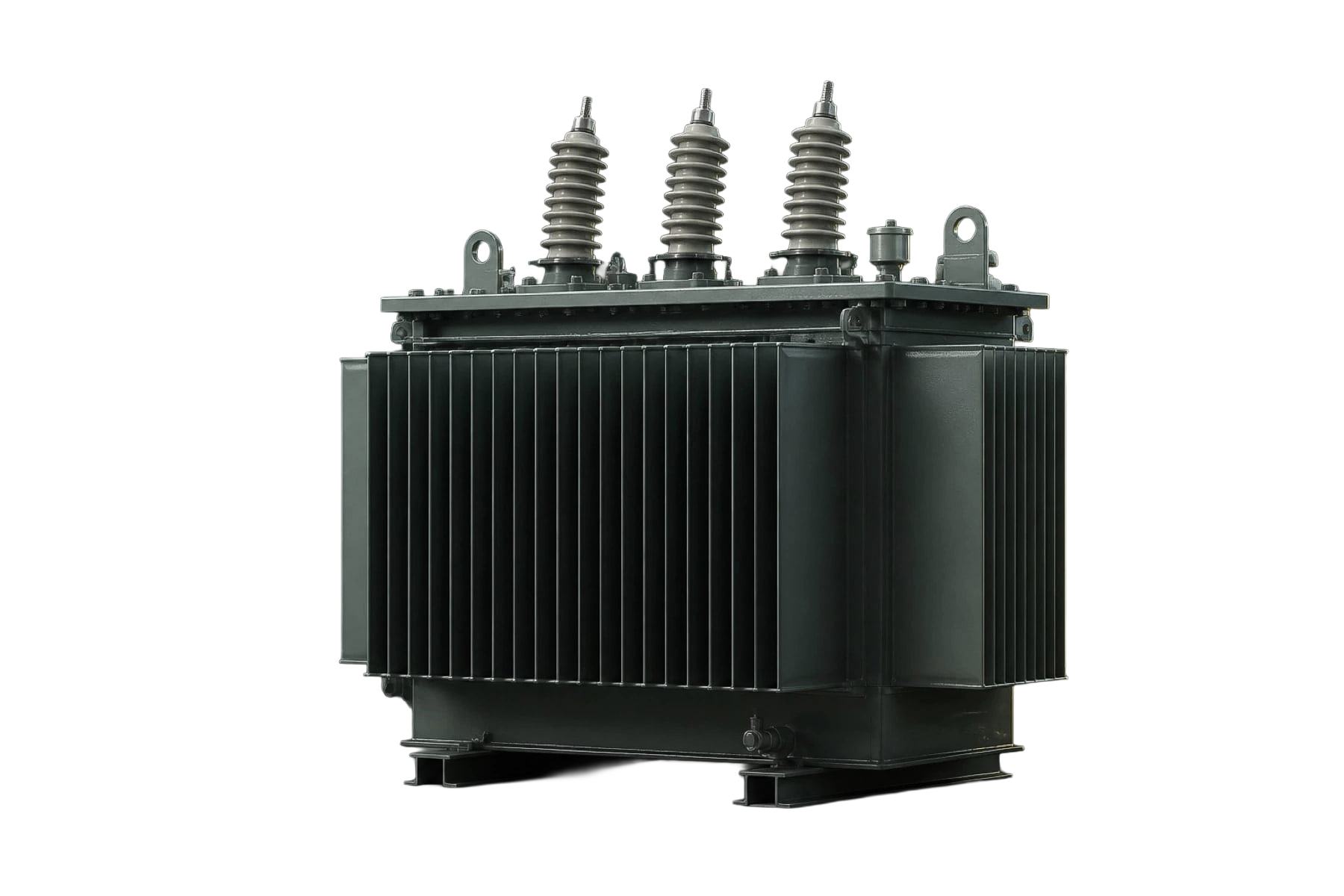 Engineering confirmation requiredFidelity-safe studio treatmentView product ↗
Project-configured
Distribution equipment selected from validated load, voltage, vector, impedance and installation data.
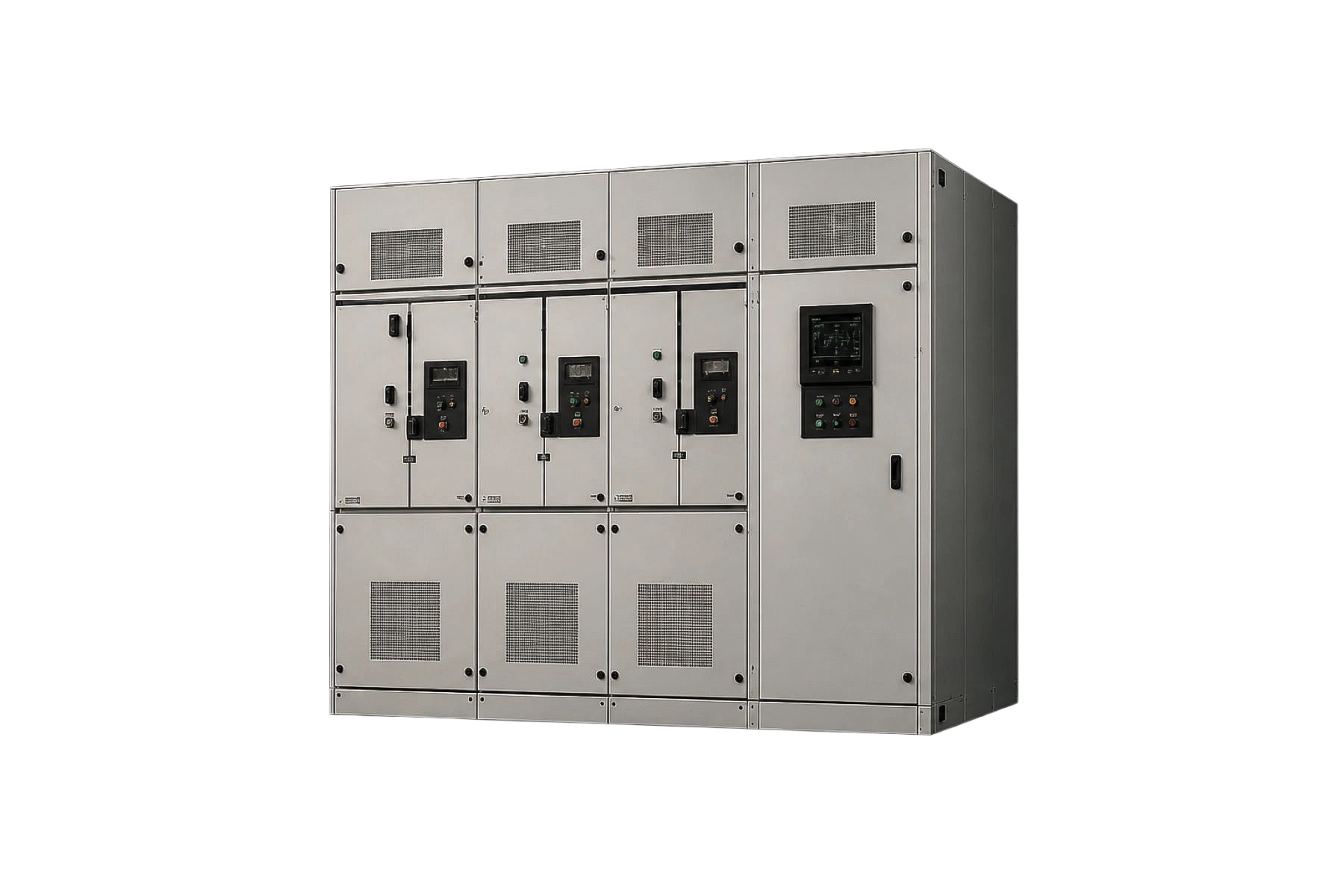 Engineering confirmation requiredFidelity-safe studio treatmentView product ↗
Project-configured
Switching, protection and supporting equipment coordinated from approved design information.